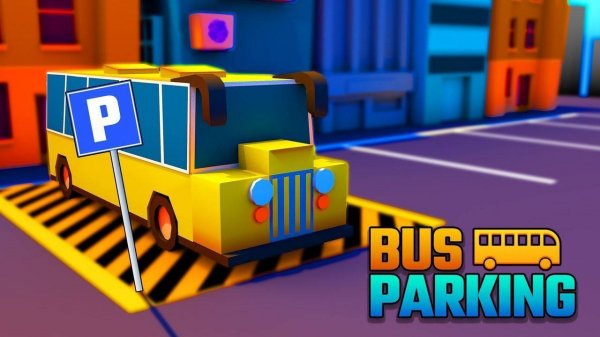
Game Introduction
Urban Bus Parking 3D Simulator places you in control of a full-sized city bus. The core objective is to drive through realistic urban environments and park the bus accurately within designated parking bays. Each level presents a new city layout with unique road patterns and traffic conditions. Success requires careful observation of surroundings and smooth control of the vehicle. This simulation emphasizes precision and planning over speed. The game combines realistic driving physics with the challenge of maneuvering a large vehicle in tight spaces. It offers a satisfying experience for anyone who enjoys simulation challenges and careful driving. The environments are designed to test your ability to judge distances and angles. Whether you are a fan of driving games or looking for a relaxing yet engaging activity, this game provides a rewarding experience. It turns everyday parking into an engaging skill test without relying on speed or violence. Perfect for short play sessions or longer practice runs.
How to Play
Players typically use on-screen controls to steer, accelerate, and brake. Some versions may also offer tilt controls for steering. Each level begins with the bus at a starting point. The goal is to drive to the assigned parking bay. Players should follow road rules and watch for other vehicles. Using different camera angles can help check mirrors and blind spots. The main challenge is parking the bus within the marked space without hitting obstacles. Taking time and aligning the bus carefully is important. As players advance, levels introduce tighter spaces, busier traffic, and time limits. Patience and smooth control are key to success.
Game Features
Realistic 3D bus physics respond to speed and weight. Progressive difficulty levels keep the challenge fresh. Multiple city environments offer variety in roads and scenery. Intuitive driving controls make it easy to pick up and play. Challenging parking scenarios test precision and planning. The game may include different camera angles to assist with parking. Each level is designed to provide a unique driving experience.
Tips for Success
Practice regularly to improve your control and timing. Learn to use all available camera angles to check your surroundings. Take your time with each parking maneuver. Smooth steering and gentle braking help maintain control. Focus on alignment before making final adjustments. Patience is the most important skill for mastering this game.








Player Comments
0 comments