
Sound Palette & Character Roles
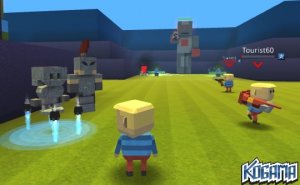
Each character in Melody Maker Studio contributes a unique audio layer to your track. Some provide steady rhythmic beats, others add melodic lines or atmospheric effects. By selecting different characters, you shape the overall texture and mood of your piece. The visual design of each character hints at the type of sound they produce, making it easy to build a balanced arrangement.
Building Your Track Step by Step
Start by placing a character that offers a consistent beat. This foundation supports the addition of other layers. Next, introduce characters that add melody or harmony. Finally, experiment with characters that provide special effects or accents. The interface responds instantly, so you hear each change as it happens. This immediate feedback encourages playful exploration.
Two Distinct Soundscapes
The game includes two modes that shift the overall audio atmosphere. One mode delivers bright, upbeat tones suitable for cheerful compositions. The other mode introduces deeper, more subdued sounds that work well for reflective or dramatic pieces. Switching between modes changes the character sounds and the background visuals, offering a fresh creative palette.
Designed for All Skill Levels
Melody Maker Studio requires no musical training. The drag-and-drop system is intuitive for young children, yet the variety of sound combinations offers depth for older players and adults. There are no scores, timers, or wrong choices. The only goal is to create something that sounds pleasing to you. This makes it a relaxing activity for anyone curious about how different sounds work together.
Community & Sharing Possibilities
As a fan-made project, Melody Maker Studio grows through player input. New character sound packs may become available over time, expanding the range of instruments and styles. Players can save their favorite mixes and share them with friends. This social aspect turns music creation into a shared experience, inspiring others to try their own combinations.







Player Comments
0 comments